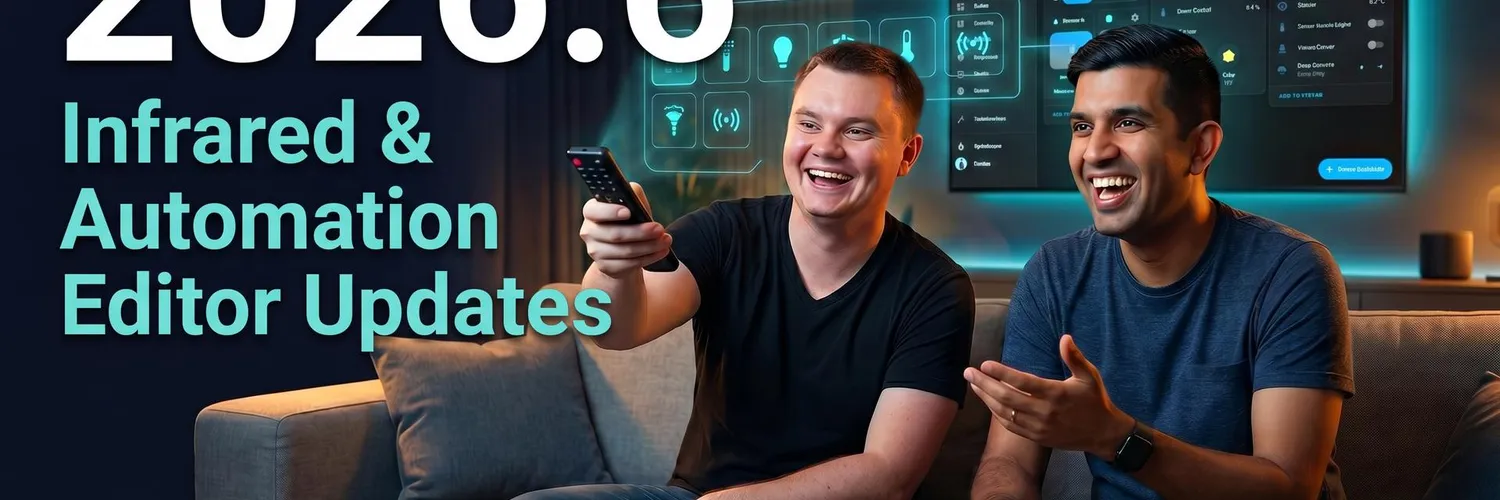
Rohan and Phil are breaking down the 2026.6 release, which features updates for Infrared, Purpose specific triggers and conditions. Plus we talk KVM’s, eInk displays and starting from scratch in 2026.
Headlines
- Shout to our Patreons including executive producers Benny and JasonAlso welcome to our new members SRM, Damien, Keith and Grant, and of course those on YouTube and Apple Podcasts!
- New Works with Partners are here!
- OpenDisplay is now a collaboration partner of the Open Home Foundation
- Open Home Foundation releases their first peer-reviewed paper on the smart homeTitled: Building a Private Smart Home: User Motivations and ChallengesAuthored by Aniika and Paulus from the Open Home FoundationAnnika and Idil from the Open Home Foundation went to Barcelona to present the paper!
New Features
- Infrared can now receive IRThe initial integration that lands today is for LG TV. Now Home Assistant can read IR codes from your remote controls, with LG it could see when you have pressed the turn off on your remote control to mark the TV as off in Home Assistant.Still no learning mode, but its going to be difficult for some IR/RF devices that need to send multiple commands.
- New flow for adding items to a dashboardInstead of picking the card you want, you’ll choose the device or entity you want to add to your dashboard, and then select the type of card.Custom cards won’t be supported for this
- Matter can onboard new devices over Bluetooth proxies.The Matter integration can now act as a Bluetooth bridge for the Matter Server, so devices that only expose their commissioning interface over Bluetooth LE can be paired even when the server itself has no Bluetooth adapter. ESPHome Bluetooth proxies count too, which means a new Matter device tucked away in the garage can be onboarded through the proxy in your kitchen
- Sirens now on MatterMatter sirens (like smoke detectors that double as a loud alarm) are now exposed as proper siren entities you can switch on and off from automations and dashboards.
- Media Player and Weather CardsIn our previous release episode we discussed new weather tile card features. Those didn’t make it into 2026.5, but they’re here now with some extra tweaks for amount of rain and colour gradients for temperatures.The media player card now scores some extra buttons, including mute, shuffle repeat
- Purpose Specific triggers and conditionsNo updates on triggers or conditions for this release. But there are some tweaks!There is some new terminologyWhen setting up target devices, you have control over when the automation is triggered.”Each” will trigger once for each time one of your targets is set. Let’s say you have two lights that turn on, the automation will be triggered “each” time one of those lights turns on, which if both lights turn on would be twice.”First” will trigger the automation when one of the devices changes states, but not again when light two turns on”All” will only start the automation when all targets in the trigger have reached their desired state. So in our example here once Light 1 and 2 are both turned on, the automation will trigger.There’s also been some great work done on the documentation for these
- Automation EditorIts also now easier to see how many devices your automatons will target. For example if you select “upstairs” light turned on, you can see which lights would trigger that automation.Conditions will now also denote with a little green dot (subject to change) if a condition you have added is currently passing/true.If you’re building complex automations, you can now add notes inside your automations. Great if you’re a coder and miss having comments against blocks inside your automations.
- Apps ListThere’s been a nice little refresh on the apps page to highlight running status and when updates are available.
- Energy DashboardYou can now rename energy sources on the energy dashboard, and expose an entity which denotes when your home battery is charging.
- Zwave gets Lock CredentialsSimilar to the way Matter works. PIN and Password are supported. Make them time based, add them, delete them etc.
- Sonos now has search in the Media Player Browser
- Reolink Battery Powered CamerasHome Assistant previously had the tendency to wake up these devices draining their batteries. This has been fixed.
- TuyaThere’s been a bit of love this release, and Home Assistant is starting to work on a “Tuya Quirks” library. Similar to the Zigbee quirks for all the different Tuya devices and dialects they can use.
- ClaudeClaude conversations now support the web fetch tool, allowing the model to retrieve and reason about live web content.
- Jewish CalendarNow exposes a calendar entity, perfect for tracking Jewish holidays and Shabbat in your dashboards and automations🔗 Check out episode 201 where we met Tsvi and why he created this component
- Control4Now supports motorized window treatments through a new cover platform.
Breaking Changes
- HDMI-CECCalling the turn_off action on HDMI-CEC switch or media player entities now sends the standard CEC standby command instead of a vendor-specific power-off command. This works more reliably across devices from different manufacturers.
- ONVIFWhen you call the onvif.ptz action with continuous_duration: 0, the integration no longer sends a Stop command after the ContinuousMove. This lets you start a continuous movement and stop it later with a separate call.
- Template EntitiesThe legacy template platform syntax under the individual platform keys has been removed. This syntax was deprecated in Home Assistant 2025.12 and has now reached the end of its 6-month deprecation period.
Chapters
00:00:00 – Intro
00:04:30 – New Works With HA gear
00:06:30 – Open Display collab, e‑ink
00:12:00 – E‑ink uses and costs
00:16:30 – OHF privacy paper
00:18:30 – RF and plugs
00:26:00 – JetKVM and PiKVM talk
00:29:30 – 2026.6: IR receivers
00:34:30 – Dashboards and Matter BLE
00:36:32 – Cards and automations
00:42:30 – Z‑Wave, Sonos, Reolink, Tuya
00:47:30 – New integrations roundup
00:54:30 – Breaking changes
00:56:30 – Fresh HA vs restore
01:00:00 – UniFi hiccup resilience
01:02:00 – Wrap‑up and callouts
00:04:30 – New Works With HA gear
00:06:30 – Open Display collab, e‑ink
00:12:00 – E‑ink uses and costs
00:16:30 – OHF privacy paper
00:18:30 – RF and plugs
00:26:00 – JetKVM and PiKVM talk
00:29:30 – 2026.6: IR receivers
00:34:30 – Dashboards and Matter BLE
00:36:32 – Cards and automations
00:42:30 – Z‑Wave, Sonos, Reolink, Tuya
00:47:30 – New integrations roundup
00:54:30 – Breaking changes
00:56:30 – Fresh HA vs restore
01:00:00 – UniFi hiccup resilience
01:02:00 – Wrap‑up and callouts